

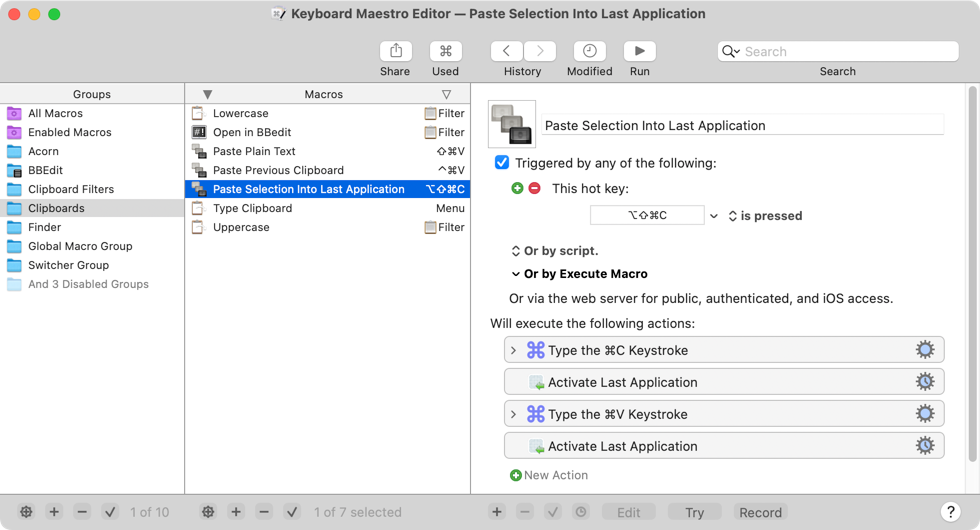
Keyboard Maestro is a powerful macOS automation software designed to enhance productivity by allowing users to create custom macros. It enables automation of a wide range of tasks, from simple keystrokes to complex multi-application workflows. Key features include:
- Task Automation: Quickly automate repetitive tasks such as typing email addresses, launching applications, or duplicating lines of text.
- Application Control: Manage applications by launching them, arranging windows, playing music, and handling email more efficiently.
- Text and Image Manipulation: Facilitate report creation, text transformation, OCR on images, file downloads, text snippet expansion, calculations, and clipboard management with multiple entry history.
- Web Automation: Control web sites by filling forms, navigating to frequently visited pages, downloading reports or bank statements, and formatting web content.
- Extensive Actions: Offers hundreds of built-in actions, including flow control, conditions, and looping, to build sophisticated automation systems.
- Customizable Workflows: Allows users to configure their Mac and applications to behave exactly as desired, including scheduled setups and application-specific behaviors. Version 11 introduces new features like "Prompt for Snippet" for combining information into text invites, a "New Macro Wizard" for quick macro creation, and a "Security Settings pane" to manage system permissions.


